OverKill Simulations — Home of HangarControl

HangarControl
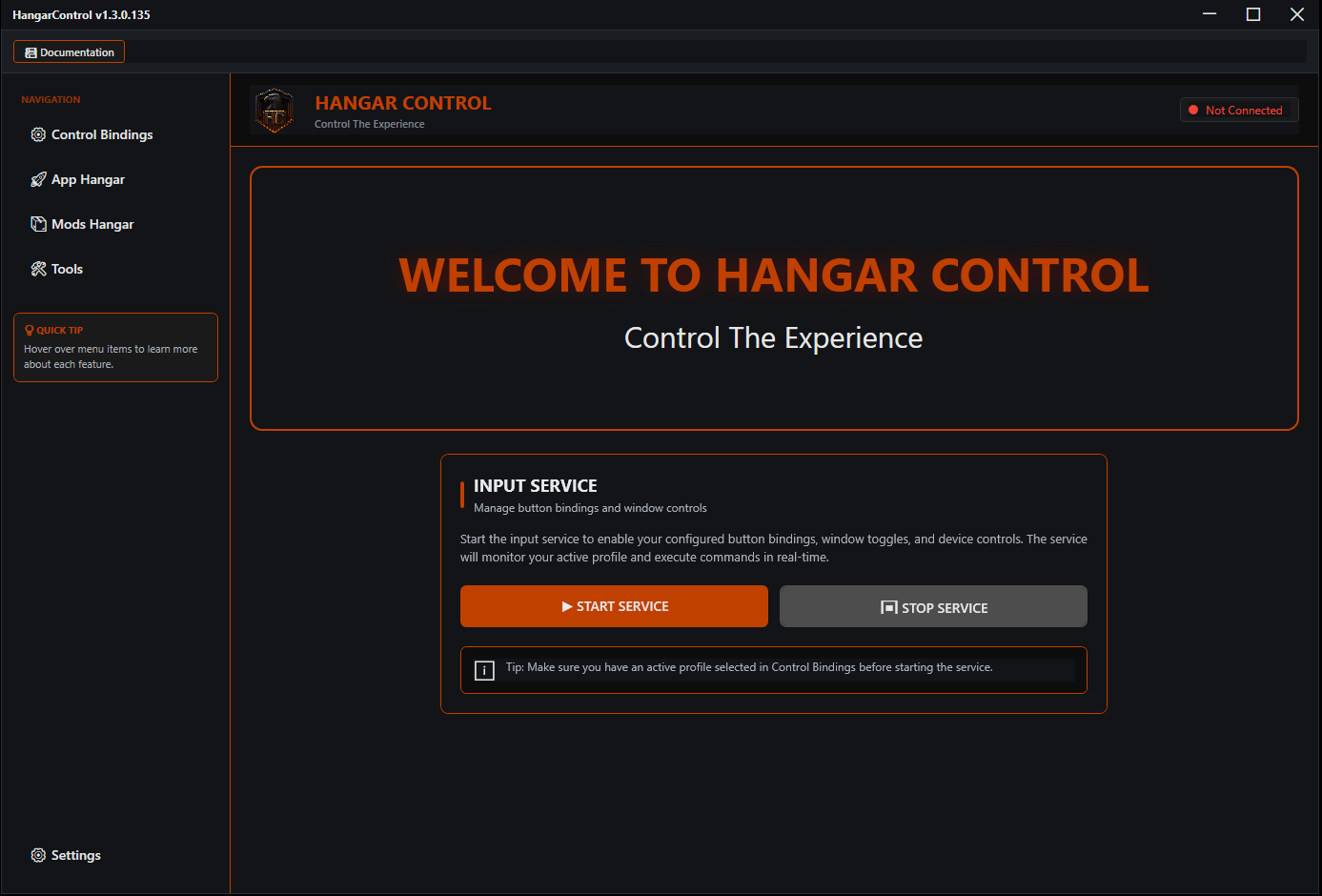
One app for every piece of flight sim hardware you own. Plug it in, bind it once, and HangarControl talks straight to MSFS, DCS and X-Plane. Profiles switch when your aircraft does. Stream Decks, touch screens, WinWing panels and voice all run through the same place.
Works with your sim, natively
No keyboard emulation tricks. Each sim gets a real connection.
SimConnect + WASM module
Sim events, L:, H: and B: variables and raw RPN, with a module that installs itself into your Community folder.
Built for 2024’s input events
Full support for the new B: events, so add on aircraft switches move the way the cockpit expects.
Export script + 50 aircraft libraries
Real cockpit commands and selectors for 50+ modules, axes every frame, and a companion app for multi monitor viewports.
Native plugin
Commands and DataRefs over the HangarControl plugin, with automatic aircraft detection for profile switching.
What’s in the box
Control Bindings
Any joystick, yoke, throttle, button box or encoder. Short, long, hold, double tap, sequences, conditions, axis tuning, per aircraft profiles that switch on their own.
Stream Deck
A full plugin for every Stream Deck, including the Plus dials and touch strip. Live SimVar displays, DCS and X-Plane commands, flags and conditions on a key.
Touch Panels
Turn any phone, tablet or spare screen into a control surface. Drag and drop designer, G1000, GNS, GTN 750, 737 CDU and A-10C gauges, with the sim’s real display showing through.
WinWing & WingFlex
FCU, EFIS and MCP with live displays and brightness, Orion throttles, plus the WingFlex A320 FCU Cube, RMP and DAP 500.
Voice Commands
Runs locally, no cloud. Push to talk, wake word, spoken numbers and relative commands like “increase altitude ten thousand”.
Mods Hangar
Install, switch and back up mods and liveries for MSFS, DCS and X-Plane in containers, with conflict detection so nothing silently overwrites.
App Hangar
Launch your whole rig in order, with delays and scripts, and put every window back where it belongs.
And the rest
MIDI controllers, vJoy output, Honeycomb and Logitech panels, PMDG support, keyboard remapping for any game, backups that move to a new PC in one zip.
Latest from the Channel
See it before you install it
Setup walkthroughs, hardware reviews and new feature deep dives, straight from the person who writes the code.
- Configure your Stream Deck inside HangarControl
- Touch panel and gauge setup
- WinWing, Virpil and other hardware reviews
- What’s new in each release
Join the Community
Resources & Support
Documentation
Install guide, walkthrough, DCS binding reference, touch panel and voice guides.
Support
Quick checks, how to send logs, and how to reach a real person.
What’s New
Release notes for every version, newest first.
Your Account
Download the latest installer, manage your two device activations, see your receipts.